How to create an online test: practical guide for teachers
See how to plan questions, configure the application, correct answers and analyze results in an online test.
Creating an online test involves more than transferring questions from paper to a screen. A good assessment needs to have a clear objective, questions consistent with the content taught and settings appropriate to the class context.
When the process is well planned, technology reduces repetitive tasks, speeds up correction and facilitates the analysis of learning. Below, we have organized a practical itinerary to prepare your online test from start to finish.
1. Define the objective of the evaluation
Before creating the questions, record what the test should check. The objective may be to diagnose prior knowledge, monitor learning during a subject or measure mastery at the end of a cycle.
This definition guides the level of difficulty, the format of the questions and the way to interpret the results. It also avoids long assessments that measure subjects other than the content covered.
- List the skills or content that will be assessed.
- Define the audience and expected level of knowledge.
- Choose clear criteria for approval or feedback.
2. Choose question types
Objective questions are useful when you need to correct many answers quickly. Essay questions allow you to observe argumentation, reasoning and synthesis capacity. A mixed event combines agility and depth.
Avoid ambiguous statements and alternatives that give away the answer due to differences in size or language. Review whether each question only measures what was defined in the assessment objective.
- Multiple choice for automatic correction and quick results.
- True or false to check specific concepts.
- Essays to evaluate interpretation and construction of arguments.
- Issues with images, videos or files when the content requires it.
3. Configure the test application
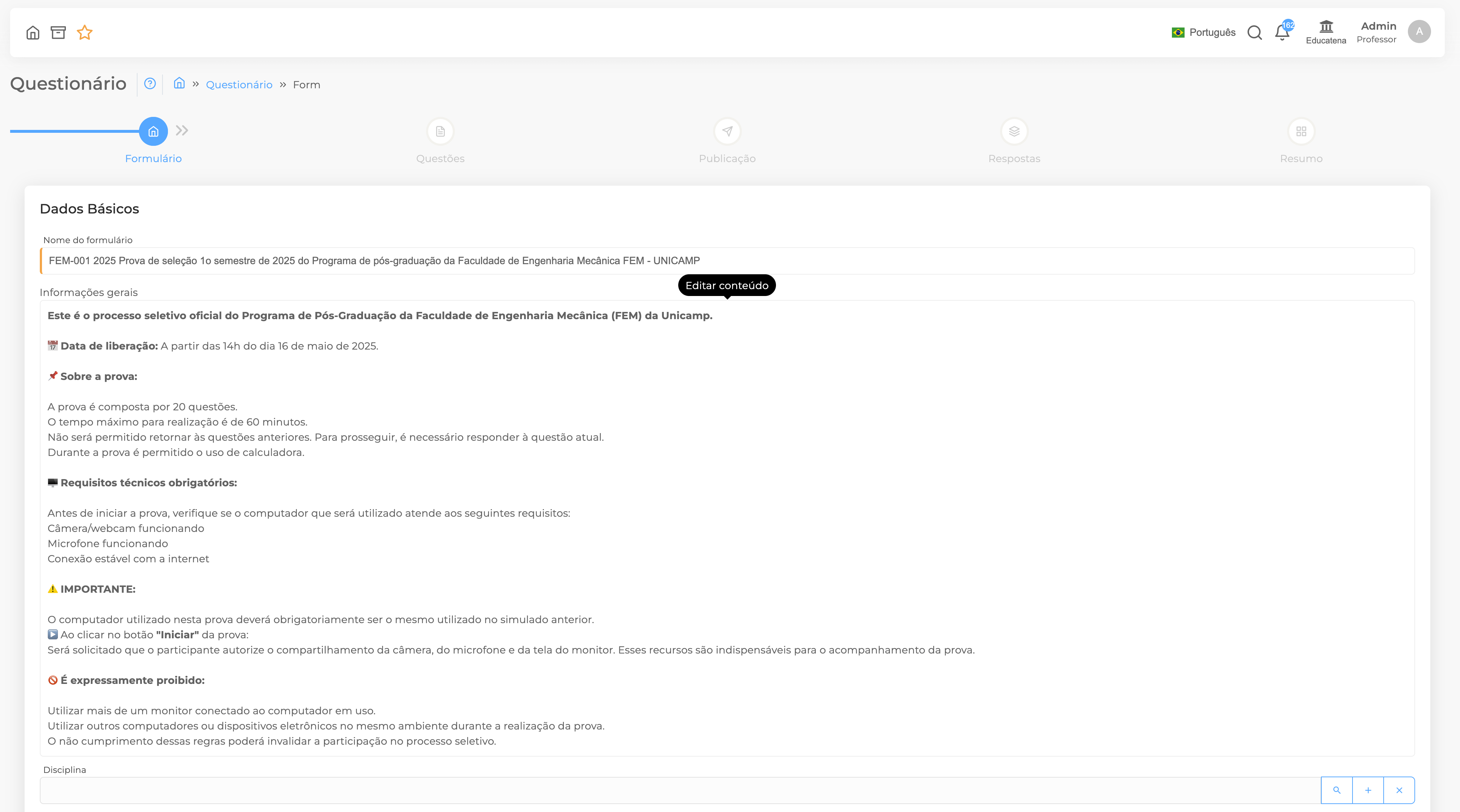
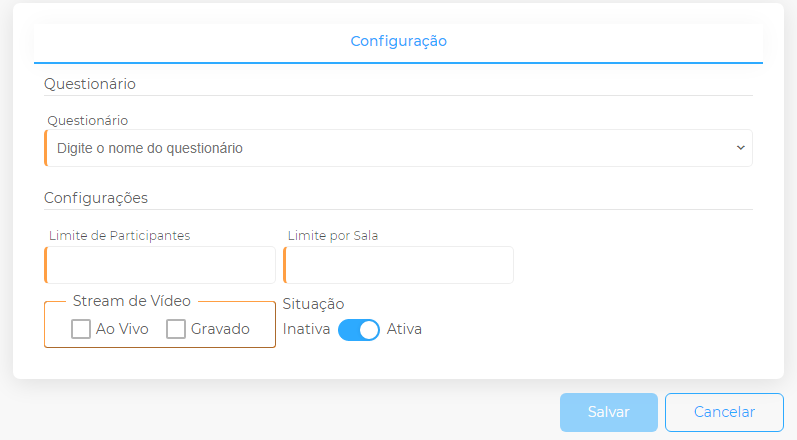
The configuration needs to be compatible with the complexity of the test and the access conditions of the participants. Clearly inform the date, time, duration, number of attempts and submission criteria.
Features such as question shuffling, random order of alternatives and entry limit can contribute to the integrity of the assessment. Use only the controls necessary to avoid creating disproportionate barriers.
4. Orient participants before the start
Provide simple instructions on access, equipment, connection and support channels. In important assessments, do a short test so that everyone gets to know the platform before the official test.
Preventive communication reduces doubts during application and helps to differentiate technical difficulties from doubts related to the content.
5. Correct and analyze the results
Automatic correction saves time on objective questions, but the pedagogical work continues when reading the results. Observe which questions had the most errors, which contents need to be resumed and if any questions showed unexpected behavior.
Reports by student, class or question help transform the test into useful information for future classes. The goal should not just be to generate a grade, but to understand what the results reveal about learning.
Conclusion
An efficient online test combines pedagogical planning, communication and technology. With an organized flow, the teacher reduces operational tasks and gains more time to interpret the results and support students.